Small apps, native and web. iPhone, Mac, browser.

Listy
Beautiful lists, swipe in sync.
Available on the App Store for iPhone and iPad.


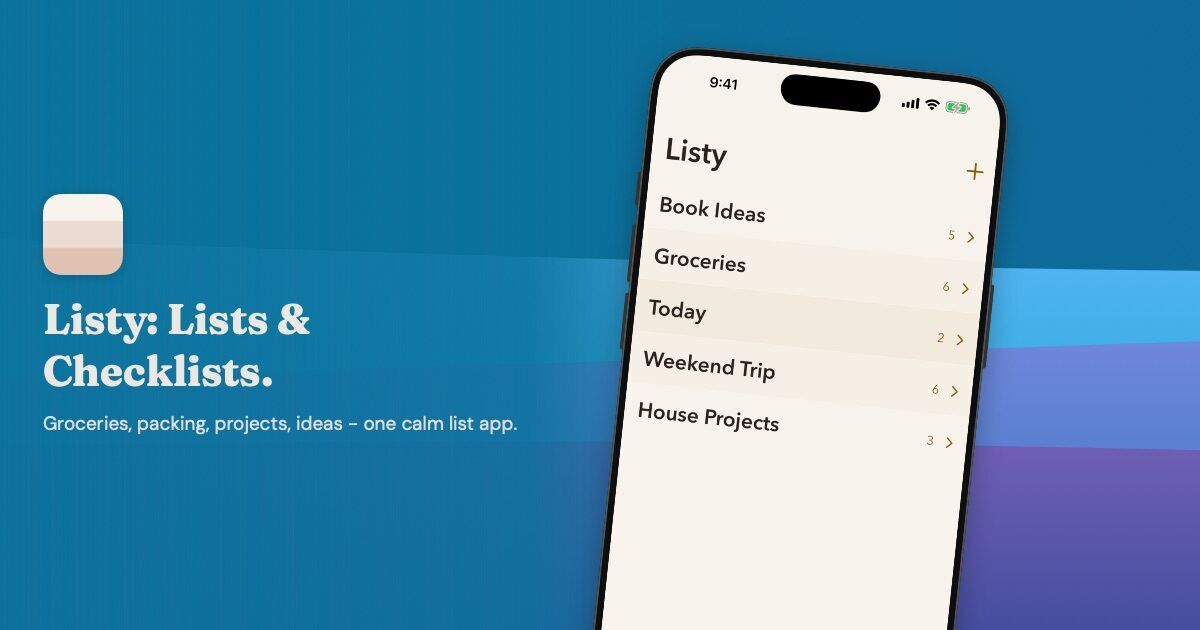
Listy is for people who live in lists: shopping, projects, packing, ideas. And it keeps the UI out of the way.
Work at thumb speed. Swipe to tick things off or clear them, drag to reorder, and use pull gestures where they fit how you move through a day.
Shared lists
Share lists with the people you plan with. Invite someone to a list and you’ll both see changes as they happen. They’ll need Listy and an iCloud account.
Make it yours
Adaptive themes: light and dark, a broad palette of solid colours and gradients, and fine-grained typography, font families and sizes, so long lists stay readable and short lists stay sharp.
Widget and Watch
Glance and jump back in. The Home Screen widget shows a list you choose. Tap it and land on that list in the app. There’s an Apple Watch app too, with complications for open-item counts.
Your words, your devices
Lists are stored in a straightforward, portable way, with iCloud so they stay aligned across your iPhone, iPad and Watch.
Privacy
No analytics, no ads. Details are in the Privacy Policy.
Price
One list free, forever. Unlock unlimited lists with a single purchase (Family Sharing included). No subscription, no recurring charges, ever.
Requirements
Requires iOS 17 or iPadOS 17 or later. The companion Watch app requires watchOS 10 or later.